
KNOW WHERE TO RETURN
Capture, locate & align before & after photos in the field.
Capture a before photo with its location and heading, then return and line up the after with a transparent before overlay. Keep track of unfinished sets and share a clear record of what changed.
iPhone app · Works offline · Your photos stay on your device
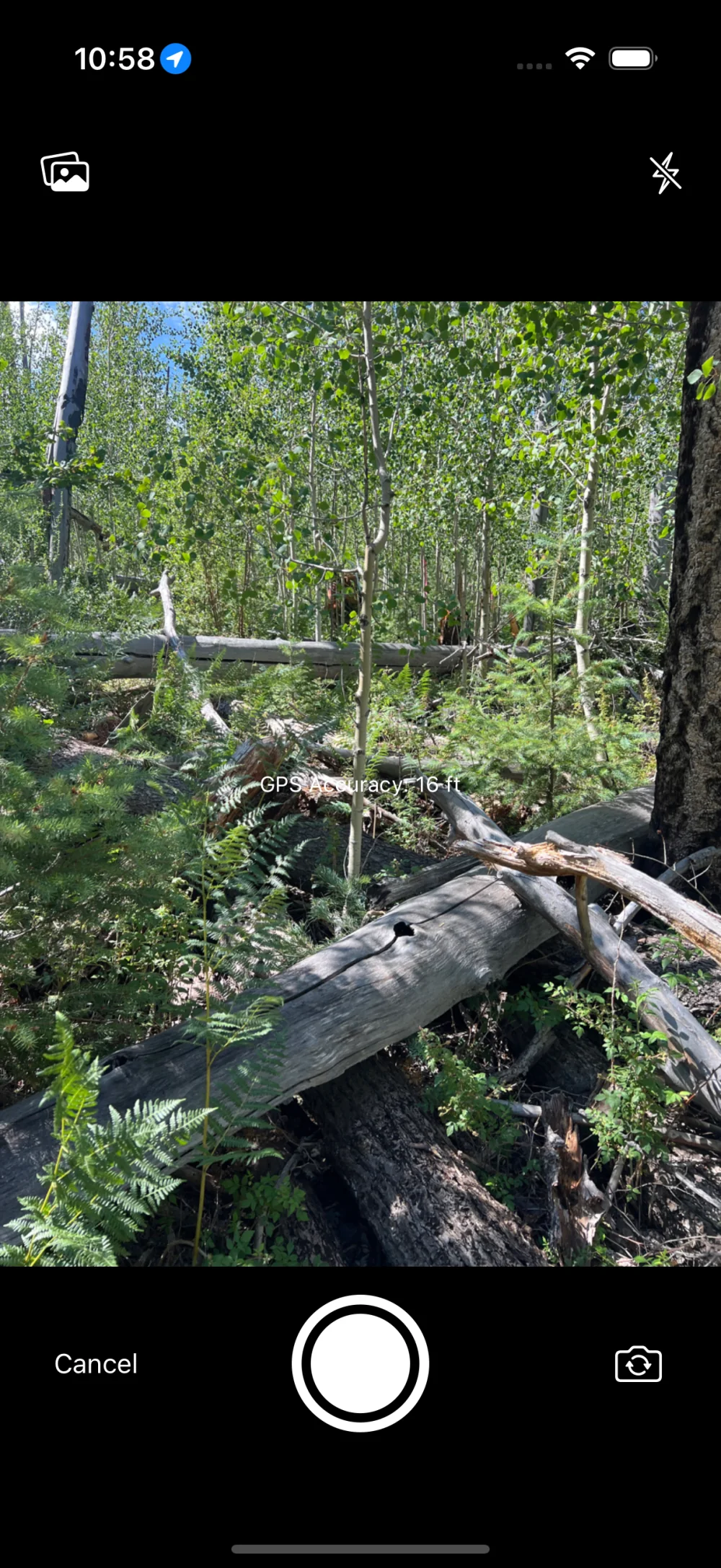
CAPTURE A BEFORE
Start with a before photo
Capture a photo with location, compass heading, and date to document your starting point.
Used for trail maintenance, restoration projects, site inspections, construction documentation, field monitoring and more!
WHAT BAFTR HELPS YOU DO
- Capture before photos with location, compass heading, and date information
- Return to the original photo location using distance and direction guidance
- Overlay the original image while capturing an after photo
- Adjust overlay opacity or use an edge overlay for precise alignment
- See which photo sets still need an after photo
- Add multiple after photos to document changes over time
- Sort photo sets by date or distance from your current location
- Organize photo sets into folders by project, site, or client
- Export polished before-and-after comparison images
- Customize export size, quality, spacing, and optional title and date labels
- Share complete or partial Baftr photo sets and folders for backup or collaboration
- Import shared photo sets from backup or other users
- Work fully offline without cell service or WiFi
Why Baftr?
Taking consistent before-and-after photos in the field is harder than it sounds. GPS alone isn’t enough, you end up scrolling through your photos trying to remember what you haven't already captured an after for, and forgotten photo points lead to incomplete documentation.
Baftr keeps unfinished photo sets visible, helps you return and line up the next shot, and turns your before-and-after photos into a clear record you can share.
Common Field Uses
- Trail maintenance documentation and reporting
- Conservation and restoration project photo point tracking
- Construction, landscaping and remodeling documentation
- Volunteer and nonprofit project reporting
- Tracking home projects over time
New in 1.5
- Experimental Nearby Reminders: Turn on reminders for selected before photos and get a notification to take the after photo when you return near its location.
- Compare view: Completed photo sets now include a draggable before-and-after reveal alongside the existing Photos view. Choose the default view in Settings.
- Export titles: Photo sets with custom titles can optionally embed that title in the image.
- Multiple bug fixes and speed and memory optimizations.
Screenshots


Document the next change with Baftr.
Save a field photo point, return with location and compass guidance, and align the next shot.
Get Baftr on the App Store